
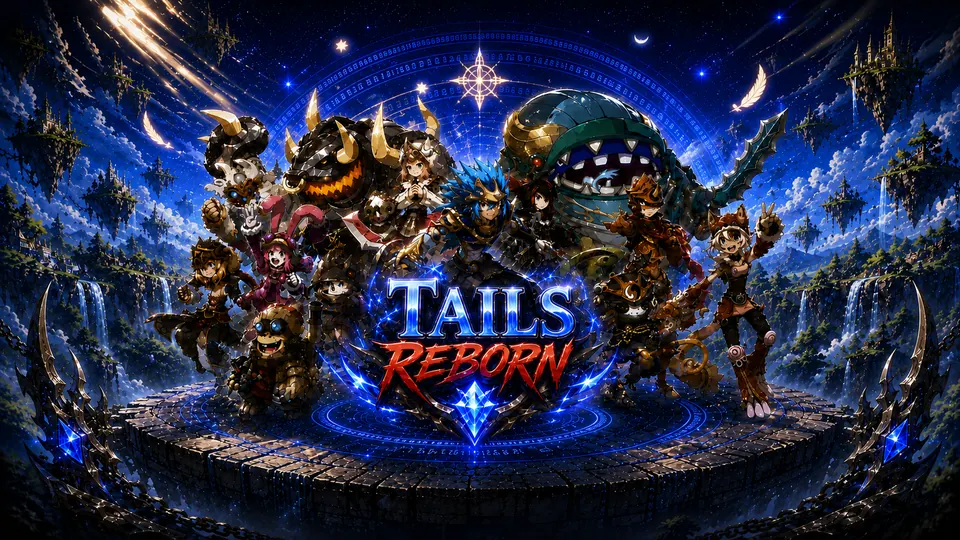

- Get the gameClick Download game in the top menu. Install once — the game updates itself every time you open it
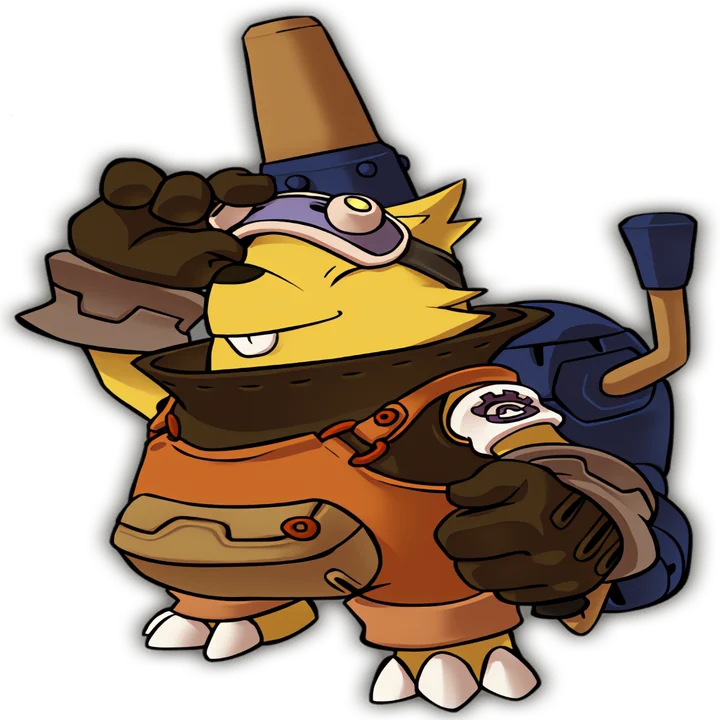
- Pick a characterThere are 12 races. Not sure? Answer 3 questions and we'll suggest one
- Open Welcome Box IIIt's in your storage and gives a level 150 ticket and a level 100 ticket — which character to use them on
- Take daily questsTalk to Kuru Daily Quest at Novice Camp — read more
Heads up
Runs on Windows 10 and 11 PCs. There's no mobile, Mac or browser version yet
Our picks
Two kinds of names
Family nameThe blue name, set when you sign up, used across your account
Character nameThe white name, set in game when you create a character
Stuck? Ask here
Server DiscordJust ask — the team is there, and patch notes go out there first
Contact supportOpen a ticket and talk to the team directly